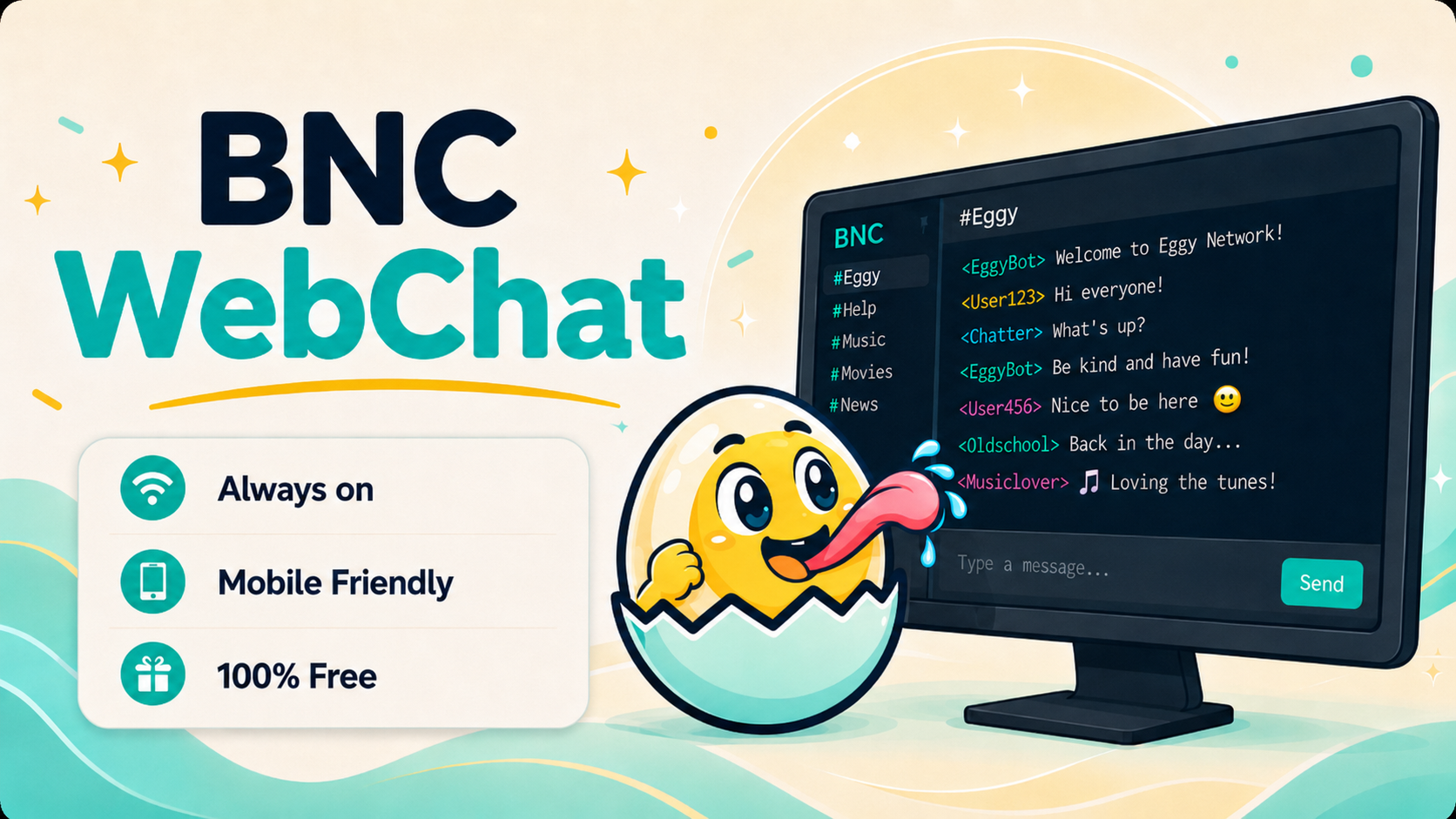
Eggy BNC WebChat lets you jump back into your saved IRC networks directly from the dashboard. No IRC client installed? No problem. Open your dashboard, choose WebChat, launch chat on one of your saved networks, and get straight back into your BNC through your browser.
IRC is brilliant, but not everyone wants to install and configure an IRC client every time they change device, use a laptop away from home, or quickly check in from their phone.
That is where Eggy BNC WebChat comes in.
Existing and new Eggy BNC users can launch WebChat directly from the dashboard and connect back through their BNC without needing to manually set up a separate IRC client first. It is designed to make access simple, especially when you are on the go.
The flow is straightforward:
Dashboard → WebChat → Launch Chat → Pick one of your saved networks → Connect through your BNC
Once you are logged into your Eggy BNC dashboard, open the WebChat section. From there, you can launch chat for any IRC network you have already saved to your account. The dashboard knows which networks belong to your BNC, so you do not need to type out server details from scratch every time.
This is especially useful if you are away from your main computer. Maybe you are on your phone, using a tablet, borrowing a laptop, or just want to quickly check IRC without installing anything. WebChat gives you a browser-based way back into your BNC while keeping your normal BNC setup in place.
Eggy BNC WebChat is powered by KiwiIRC, giving users a clean, modern, mobile-friendly chat experience. It works well on desktop, but it is also built to be practical on smaller screens, making it easier to stay connected from wherever you are.
For new users, WebChat is a simple way to get started quickly. You can create your BNC, save your IRC network, then launch WebChat from the dashboard without needing to understand every IRC client setting immediately.
For existing users, it is a convenient backup option. Your usual IRC client can still be your main setup, but WebChat is there whenever you need quick access through the website.
No install. No manual client setup. No digging around for connection details.
Just open your dashboard, launch WebChat, and get back into your BNC.