You can now update your vHost directly from the dashboard. Pick something sensible, strange, or suspiciously personal to your IRC experience — apply it, restart, and carry on bouncing smoothly.
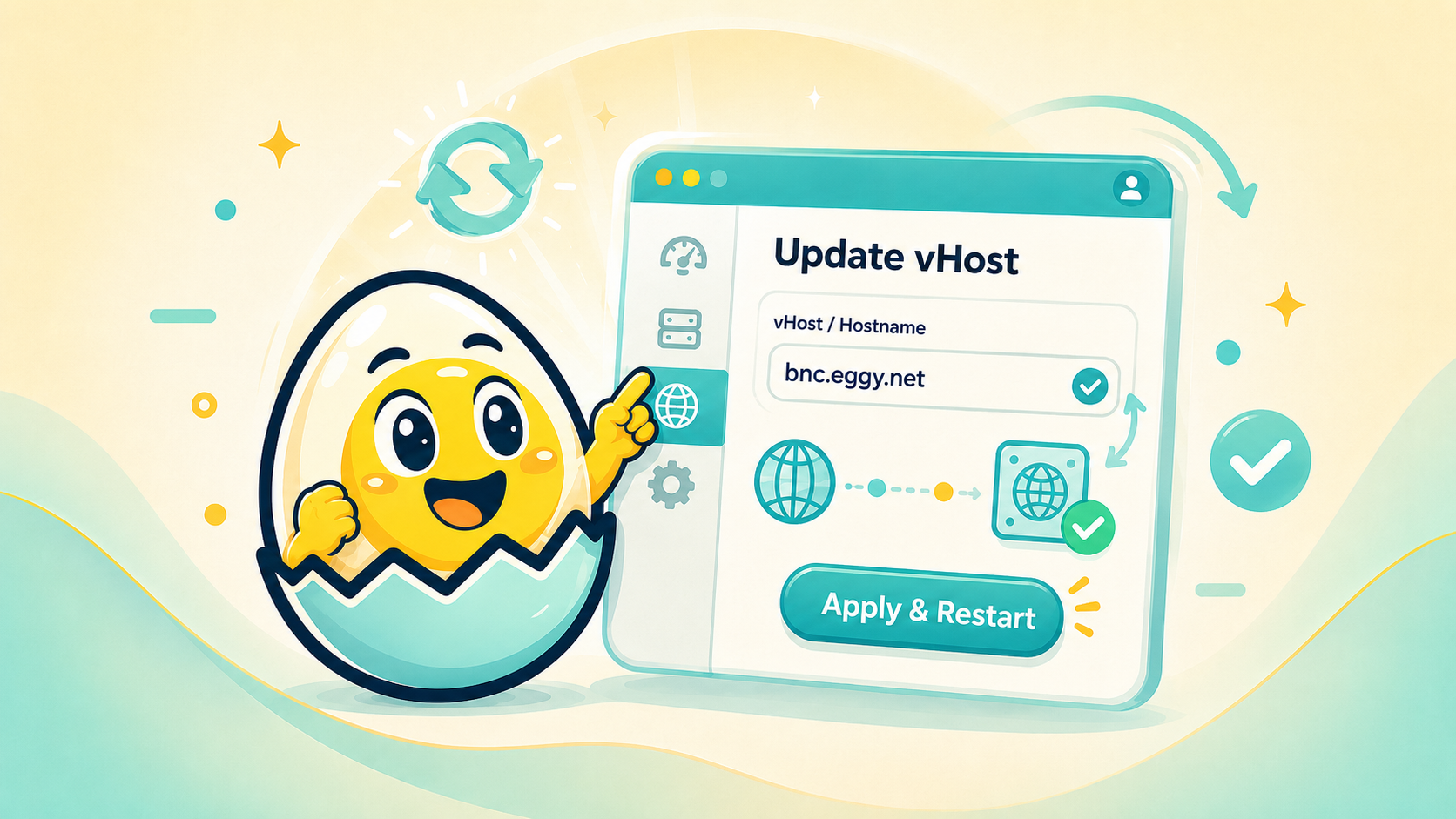
We have added a dashboard update to make changing your vHost easier, cleaner, and much less “where on earth is that setting hiding?”
Your vHost is the custom hostname shown when using your BNC. Instead of sticking with something plain forever, you can now update it directly from the dashboard, apply the change, and restart your BNC connection so the new vHost can take effect.
The idea is simple: open the dashboard, head to the vHost section, choose your new hostname, then hit Apply & Restart.
That is it. No ancient ritual. No shouting at DNS. No sacrificing a packet to the networking gods.
A few example vHosts you might see or use:
the.logs.are.judging.me.on.eggy.net
For when the server logs know too much.
my.safeword.is.reconnect.on.eggy.net
A classic for anyone who has ever fixed a problem by reconnecting and pretending that was the plan all along.
homer.ate.my.wallet.on.eggy.net
Financially irresponsible, emotionally accurate.
just.chilling.on.eggy.net
Simple, calm, and probably the healthiest option here.
my.dns.called.in.sick.on.eggy.net
For those special moments when everything should resolve, but absolutely refuses to.
This update is designed to make vHost changes feel more straightforward from inside the dashboard. Choose your vHost, apply it, restart, and continue your BNC session with a hostname that actually feels like yours.